


Smart Home Wiring in Sunnyvale: Wire It Right the First Time
Structured wiring for smart switches, hubs, cameras, and controls, including the neutrals and network runs most retrofits discover too late.
What’s Covered on This Page
- Signs Your Home Needs Smart Home Wiring, Not Just a New Device
- When a Plug-In Smart Device Skips the Wiring Job Entirely
- What Determines Smart Home Wiring Cost and Scope
- How Xtreme Air Services Wires and Tests Smart Devices in Sunnyvale
- Panel Capacity and Older Wiring Checks Before Installation
- How fast can you get someone out to my Sunnyvale home for smart wiring?
- What happens when your technician arrives at my house?
- Why do smart switches keep flickering or losing connection in older Sunnyvale homes?
- Do I need an electrician for a smart thermostat, or can I just install it myself?
- Can you run smart home wiring through the attic instead of cutting into my walls?
- What should I do if I already installed some smart switches but a few won’t work?
Signs Your Home Needs Smart Home Wiring, Not Just a New Device
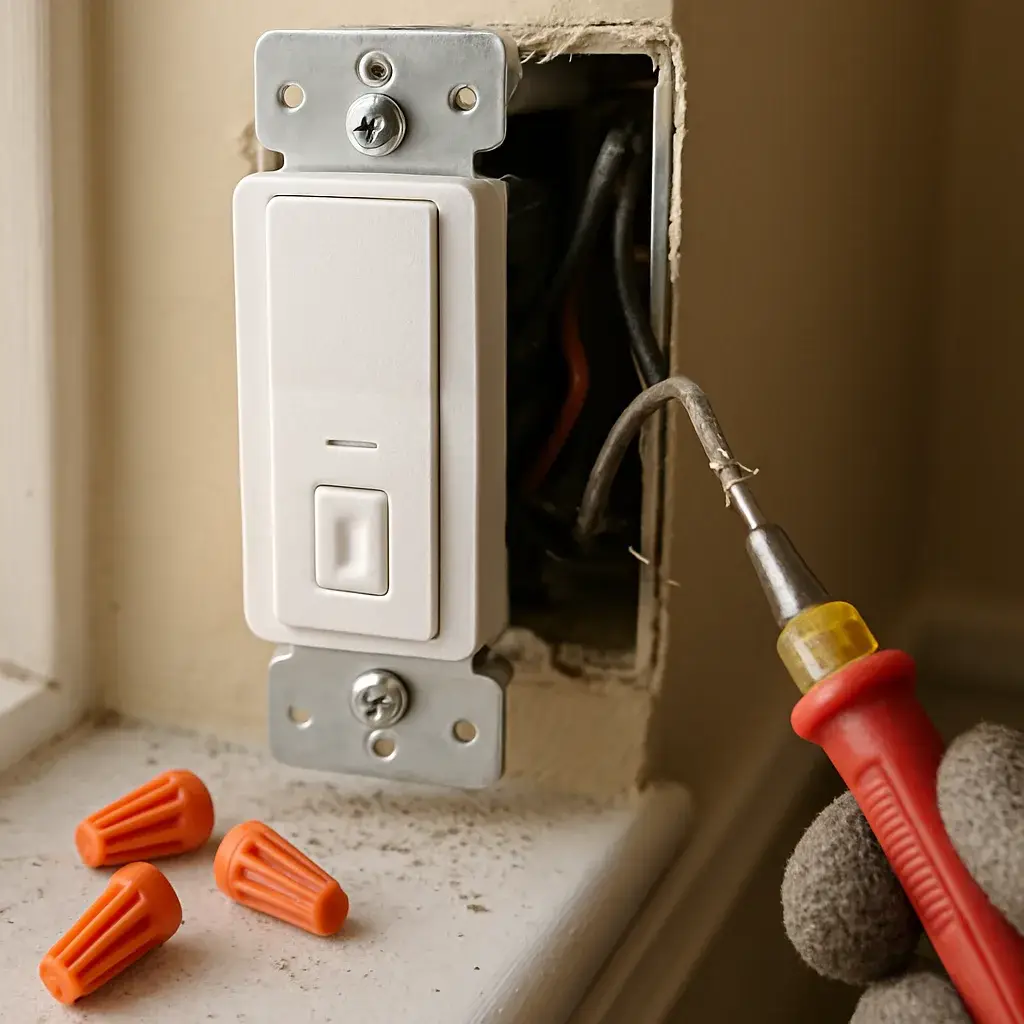
Here’s the thing. Most smart devices get sold like they’re plug and play. Screw in the switch, download the app, done. But a lot of older switch boxes don’t have a neutral wire at all, and plenty of smart thermostats need a C-wire that just isn’t there. So the device blinks, drops out, or won’t even power on. That’s not you doing something wrong.
- A smart switch flickers or won’t stay connected after the first week
- Your hub keeps losing devices in rooms far from the router
- A camera or doorbell needs a dedicated low-voltage line, not a battery pack
- Breakers trip when you add more than one or two smart devices to an old circuit
- You’re stapling low-voltage cable along the baseboard because there’s no real run
Sunnyvale’s newer subdivisions off FM 1836 usually run HVAC and low-voltage lines through the attic, so adding smart thermostats or camera runs means working in that same attic space, often through insulation and around ductwork. Older homes closer to the town center may not have any low-voltage wiring at all, which means a real install, not a quick swap.
We see this every single week. Somebody buys three smart switches, gets one working, and calls us confused about the other two. Usually it’s the wiring, not the device.
When a Plug-In Smart Device Skips the Wiring Job Entirely
Not every smart gadget needs us. Honestly, a lot of what people buy at the store plugs right in. A smart plug, a screw-in smart bulb, a battery video doorbell, none of that touches your home’s wiring at all. You open the box, connect it to your phone, and you’re done in ten minutes.
So how do you know the difference? Ask yourself one thing: does this device replace something that’s already wired into your wall?
- Smart plugs and outlet adapters that sit in an existing outlet
- Screw-in smart bulbs used in a regular lamp or fixture
- Battery-powered sensors, locks, or doorbells with no C-wire needed
- Hub devices that just connect over WiFi with no low-voltage run
We get calls about this every week. Someone bought a smart thermostat, it arrived, and now they’re staring at a jumble of wires wondering if they need a technician. Sometimes the answer really is just follow the app’s setup screen.
But the second a device needs to tie into a wall switch, a ceiling box, a thermostat with no common wire, or a hub that has to run to your attic or panel, that’s a different job. That’s wiring, not plug-and-play. Some homes built decades ago in Sunnyvale never had a spare wire pulled for anything beyond a basic switch, and that’s exactly where a plug-in gadget hits a wall a hardwired one wouldn’t.
If your device came with a setup app and no mention of a C-wire or a hardwired connection, save yourself the call and try it yourself first.
What Determines Smart Home Wiring Cost and Scope
So what makes one smart home wiring job cost more than another? It’s rarely the switch or the camera itself. It’s what’s behind the wall.
Across the jobs we run in Sunnyvale, smart home wiring typically falls between $500 and $3,000, with most homes landing between $1,000 and $2,000. That range covers everything from a single smart thermostat swap to wiring a whole house full of switches, cameras, and a hub that ties it all together.
- How many devices you’re wiring, and what kind, a doorbell camera runs different wire than a bank of smart switches
- Whether we can get to the run through attic space or have to open up wall and ceiling access
- New circuits or low-voltage lines that don’t exist yet in your home
- Getting your hub and network talking to every device correctly
- Any code upgrades your panel or wiring needs to safely support the new load
That price includes the wiring, materials, the install itself, and testing every device before we leave. It doesn’t include the smart devices themselves if you want us to supply and quote those separately, and it doesn’t cover drywall repair, permits, or code corrections beyond the wiring scope. Good to know going in, not after.
There’s a $26 to $99 service call fee to get a technician out, and it’s credited toward the job if you move forward with us. We also offer financing on qualifying installs, because a full smart home rewire is a real project, not pocket change.
Thinking about Smart home wiring? Let’s talk.
Call Today, Get Service Today. Xtreme Air Services is ready to help.
How Xtreme Air Services Wires and Tests Smart Devices in Sunnyvale
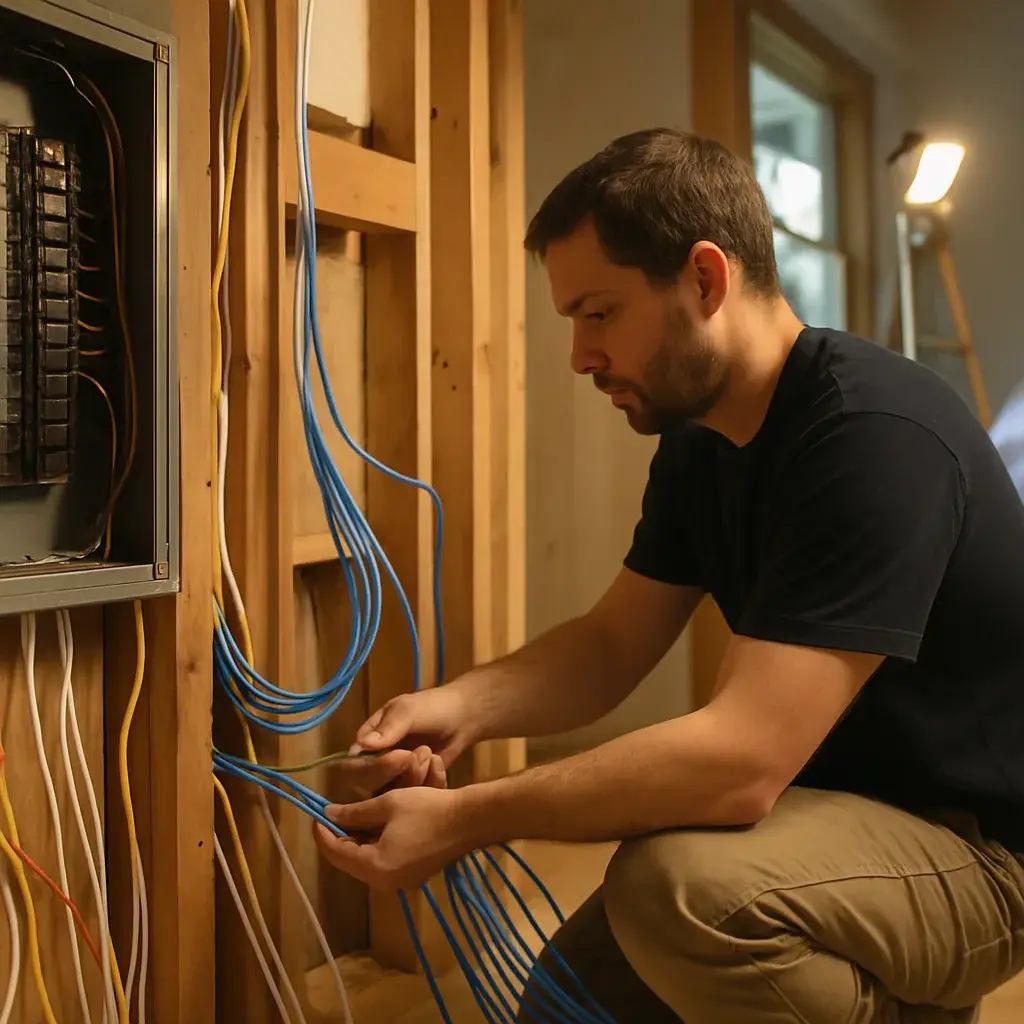
Here’s what a real job looks like. We don’t just show up and start drilling holes. First, our team walks the house with you and talks through every device on your list, the smart switches, the thermostat, the cameras by the front door, the hub that ties it all together.
Then we plan the route. A lot of homes around Sunnyvale have attic-run HVAC lines already, so we often use that same attic space for low-voltage runs instead of tearing into drywall. Older homes take a bit more patience. Newer builds go faster because the wall cavities are more open.
- Confirm device count and locations with you before any wire gets pulled
- Run low-voltage and device wiring through attic space or walls, whichever access point causes less mess
- Install and mount each device, switch, thermostat, camera, or hub
- Connect wiring to the correct circuits, adding a dedicated circuit if the load calls for it
- Power up and test every single device on its own
- Test the whole system together to confirm the hub talks to every connected device
We see this every week, a homeowner adds one camera, likes it, then calls back a month later wanting five more devices wired in. That’s normal. We built our process so adding on later doesn’t mean redoing what’s already there.
Our technicians are licensed and insured, and we test before we ever call the job finished.
Panel Capacity and Older Wiring Checks Before Installation
A lot of the homes we work on around Sunnyvale went up in the 80s and 90s, back when a 100 amp panel was plenty. Add a smart thermostat, four smart switches, a camera setup, and a hub, and that panel starts working overtime. That’s not us guessing. It’s what we find when we pull the cover off.
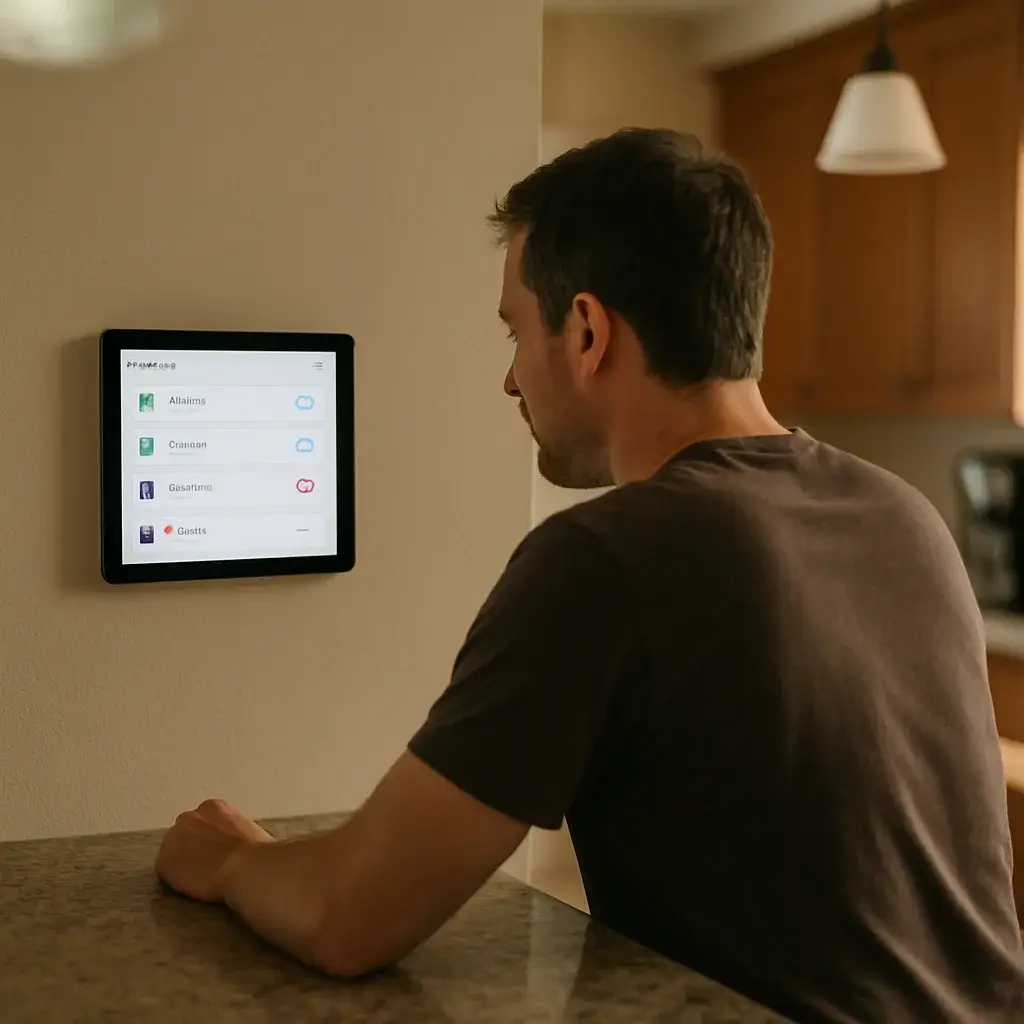
Before any wire gets run, we check what you’ve got. Not what the last owner said you had, what’s behind the wall and inside that panel.
- Panel amperage and open breaker slots for new circuits
- Wire type and age, since aluminum or older cloth-wrapped wiring changes the plan
- Attic and wall access for running low-voltage cable without tearing up drywall
- Grounding, because smart hubs and cameras need a clean, stable ground
- Any code issues that need fixing before new work goes in
Here’s the part homeowners don’t expect. If your panel’s maxed out, or the wiring’s outdated, that gets flagged first, and it can change your total scope. We’d rather tell you that upfront than run into it halfway through the job.
New subdivisions closer to Sunnyvale’s newer streets usually have more headroom, bigger panels, more open circuits, easier attic runs. Older lots need a closer look, and that’s fine. That’s exactly why we check first instead of assuming.
This step is also where cost can shift. Number of devices matters, sure, but new circuits, low-voltage runs, and any code corrections are what really move the number. We walk you through what we find before a single wire gets connected.
Frequently Asked Questions
Common questions about Smart home wiring
How fast can you get someone out to my Sunnyvale home for smart wiring?
We schedule most smart home wiring visits within a few days of your call. During the visit, we walk the house with you first and confirm every device and location before any wire gets pulled. If you’re dealing with a flickering switch or a camera that keeps dropping offline, tell us that when you book so we can plan the right access point ahead of time, whether that’s attic space or a wall run.
What happens when your technician arrives at my house?
Your technician starts by walking through your device list with you, room by room. We check whether your switch boxes have a neutral wire, whether your thermostat has a C-wire, and whether existing attic runs can be reused. Then we plan the route before touching a wall. Newer homes with open wall cavities usually go faster, and older homes take more patience because the wiring often isn’t there yet.
Why do smart switches keep flickering or losing connection in older Sunnyvale homes?
This usually means the switch box has no neutral wire, not that the device is broken. Homes closer to Sunnyvale’s town center were often built before low-voltage wiring was standard, so a smart switch or thermostat can power on but never stay connected. No app update fixes that. It needs an actual wiring correction, which is a different job than swapping in a new device.
Do I need an electrician for a smart thermostat, or can I just install it myself?
If your device came with a setup app and no mention of a C-wire, try it yourself first. Plug-in devices like smart plugs, screw-in bulbs, and battery doorbells don’t touch your home’s wiring at all. But if the thermostat has no common wire, or a switch box has no neutral, that’s a wiring job, not a ten-minute install. Call us before you buy a second unit hoping it works better.
Can you run smart home wiring through the attic instead of cutting into my walls?
Yes, in most cases we route new low-voltage lines through existing attic space instead of opening drywall. Sunnyvale’s newer subdivisions off FM 1836 already run HVAC and low-voltage lines through the attic, so we use that same space for camera and thermostat runs. It’s around insulation and ductwork, so it takes some care, but it usually means less mess in your finished rooms.
What should I do if I already installed some smart switches but a few won’t work?
Stop buying more switches and call us to check the wiring behind the ones that failed. We hear this every week, someone gets one switch working and two others just blink or stay dark. That’s almost always a missing neutral wire or a circuit that can’t handle more than one or two smart devices. We test each device individually and the whole system together before we consider the job finished.
Ready to Get Started?
Call 972-288-2263 Today, Get Service Today.