


Data / Low-Voltage Wiring in Sunnyvale: Get It Run Right the First Time
Ethernet, coax, speaker, and control cabling run and terminated properly, kept clear of line voltage so the signal stays clean.
What’s Covered on This Page
- Signs Your Connection Problem Is a Wiring Issue, Not a Router Problem
- When a Simple Router or Cable Fix Is All You Need
- Choosing the Right Cable for Your Drop: Cat6, Coax, or Fiber
- What a Professional Data Wiring Job Includes
- Why Every Drop Gets Tested Before the Job Is Done
- How fast can you get someone out to fix a dead data jack in Sunnyvale?
- What happens when your technician arrives for a wiring job?
- Why does one room in my Sunnyvale home always lose connection while the rest of the house stays fine?
- Do I need Cat6, coax, or fiber for a new data drop?
- Why do you test every cable drop before finishing the job?
- Can I just try fixing a slow connection myself before calling for wiring help?
Signs Your Connection Problem Is a Wiring Issue, Not a Router Problem
You bought a new router. Speeds still crawl in the back bedroom. Sound familiar?
That’s the moment most folks in Sunnyvale start second-guessing themselves. Here’s the thing though, a router problem usually affects your whole house evenly. A wiring problem shows up in one spot and stays there, no matter what equipment you plug in.
- One room or office always drops out, even after a router restart
- A wired connection is slower than the wireless one in the same room
- The cable was run years ago and predates your current internet speed plan
- You see physical damage, kinks, or staples through the cable where it’s visible
- A device connects fine when moved closer to the router but not through its dedicated line
We see this every single week, a customer swaps three routers before calling us, and the whole time it was an old cable run behind drywall from a remodel a decade back. Older cable, wrong cable type, or a run that’s too long for the job all cause the same symptom: a connection that just won’t hold steady.
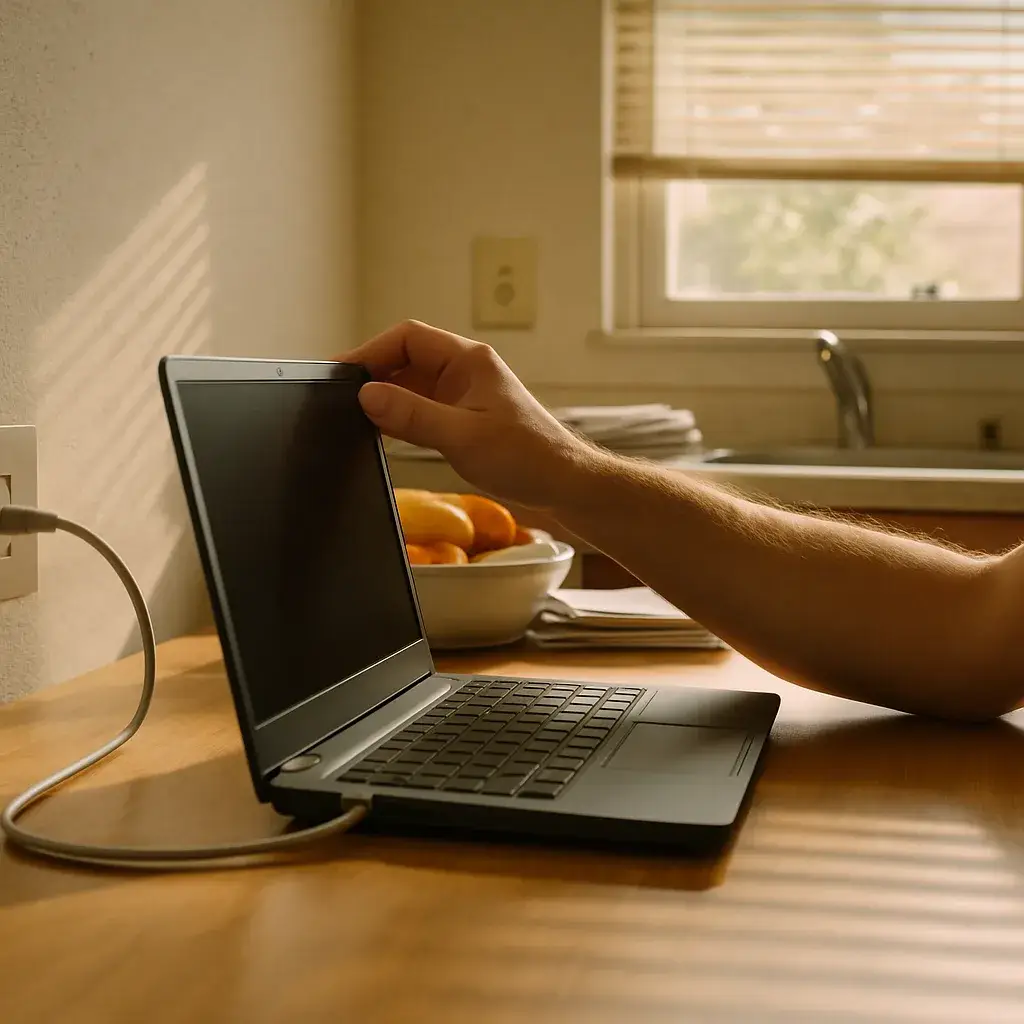
So before you buy another gadget, test it. Plug a laptop straight into the wall jack with an ethernet cable. If it’s still slow or drops, that’s your answer – it’s the wiring, not the box on your shelf.
When a Simple Router or Cable Fix Is All You Need
Not every dead jack means you need a new cable run. Sometimes the fix is smaller than that. A router that’s overheated in a closet, a cable knocked loose when you moved the couch, a switch that needs a reboot, none of that is a low-voltage wiring job.
We get calls where the whole issue turns out to be one unplugged patch cable. Before you book anyone, try a few things yourself.
- Unplug the router and modem, wait thirty seconds, plug them back in
- Check that the cable at the wall jack and at the device are both seated tight
- Swap in a known-good short patch cable to rule out a bad one
- Test the same jack with a laptop instead of a smart TV or console
- Look behind furniture for a cable that’s pinched or bent sharp
If one jack works fine and another doesn’t, that’s a real sign. But if every jack in the house is slow at the same time, that’s usually your internet plan or your router, not the wiring behind your walls.
So if a five-minute check fixes it, great. Save your money, we’d rather you not pay for a truck roll you didn’t need. Save this page for the day a jack goes truly dead, or you’re adding a room that never had a drop to begin with. 80 six days a week.
Choosing the Right Cable for Your Drop: Cat6, Coax, or Fiber
Not every drop needs the same cable. That’s the first thing we sort out before we ever pick up a tool. A drop for your home network wants Cat6, a drop for a TV or satellite box wants coax, and a drop feeding a longer run or heavy data load might call for fiber. Pick wrong and you’ll pay for it later, either in speed or in having to redo the run.
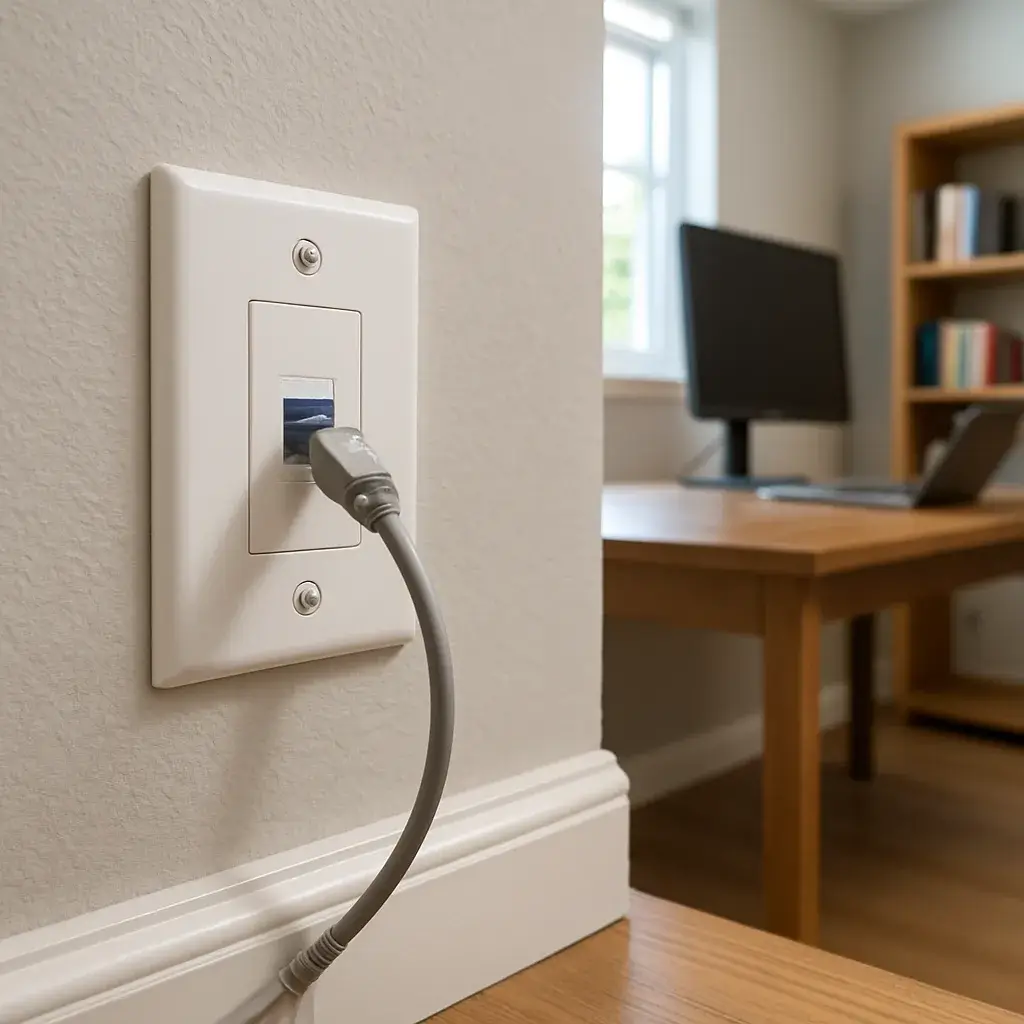
- Cat6: the standard for wired internet, smart home gear, and security cameras. Handles gigabit speeds without breaking a sweat.
- Coax: still the right call for cable TV, satellite, or older equipment that was never built for network cable.
- Fiber: worth it for long runs, detached garages, or businesses pushing serious bandwidth between rooms or floors.
So how do you know which one you need? Look at what’s plugging into the wall on the other end. A streaming device or router wants Cat6. A dish receiver wants coax. And if you’re running cable from a Sunnyvale home’s attic down through two stories to a detached workshop, fiber starts making a lot more sense, that’s a long run and copper loses signal over distance.
Cable type and run length are two of the biggest things that move the cost of a drop, along with how easy it is to get through your walls or attic. Older Sunnyvale homes with tighter attic access sometimes need more time on the run, newer builds with open attic space go faster.
Ready when you are – get in touch today.
Call Today, Get Service Today. Xtreme Air Services is ready to help.
What a Professional Data Wiring Job Includes
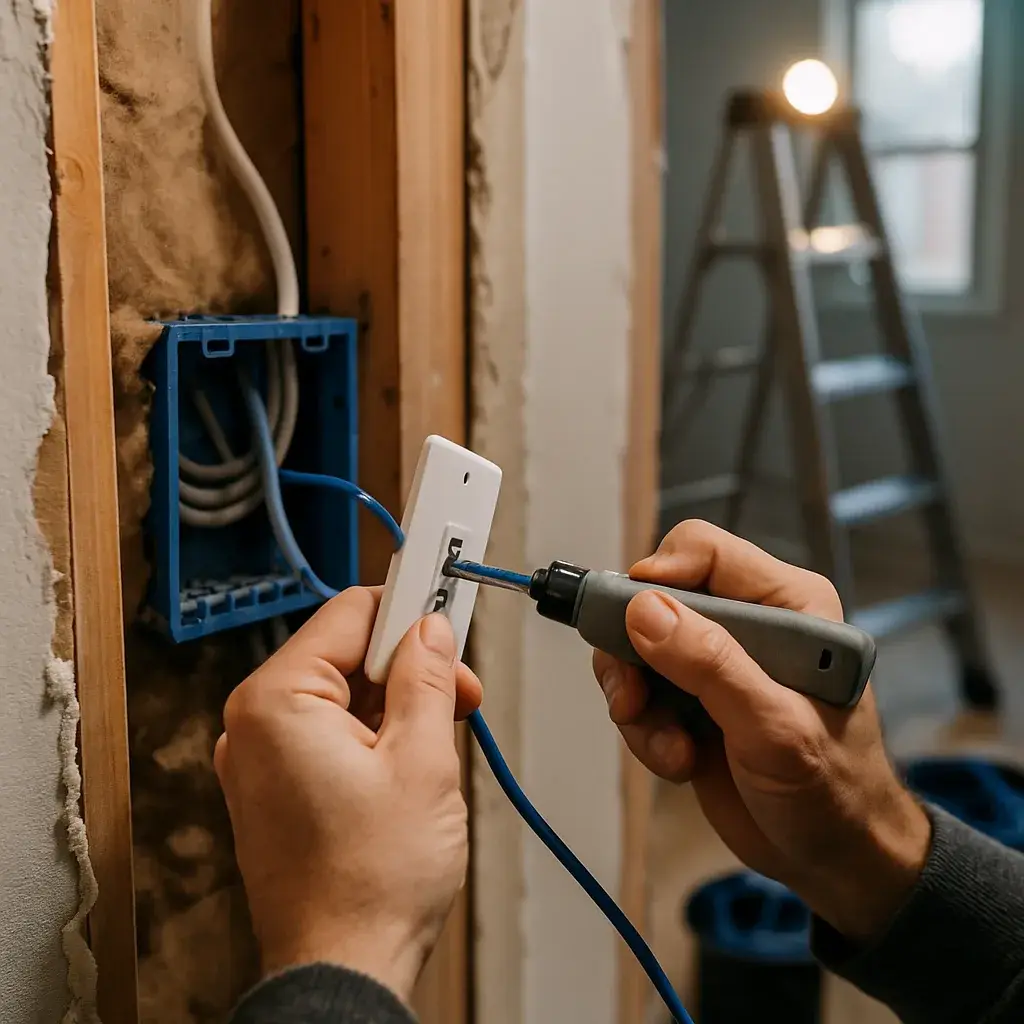
A data wiring job isn’t just fishing a cable through a wall and calling it a day. Do it wrong and you get a connection that drops every time it rains, or a jack that tests fine on day one and dies by month three. We run the cable, terminate it correctly on both ends, and test the run before we ever call the job finished.
- The cable itself, whether that’s network cable, coax, or another low-voltage line suited to the job
- Professional installation through walls, attic space, or crawl space, run the way it should be, not just the easy way
- Proper termination at both ends, so the jack or connector holds up under daily use
- Testing for connectivity before we pack up, so you know the drop works before we leave
What’s not part of that scope? Network hardware like routers or switches, drywall repair after we open up a wall, extra drops beyond what we quoted, and any code corrections we find along the way. Some older Sunnyvale homes still have wiring setups from a different era, and if we run into something that needs fixing beyond the drop itself, we’ll tell you before we touch it. No guessing games, no work you didn’t agree to.
Why Every Drop Gets Tested Before the Job Is Done
Here’s a fact most homeowners don’t think about: a cable can look perfect and still fail. The jacket’s intact, the connector’s crimped on tight, everything’s tucked neatly behind the wall plate. But if a single wire pair got crossed during termination, that drop won’t carry a signal. We test every single drop before we call the job done, no exceptions.
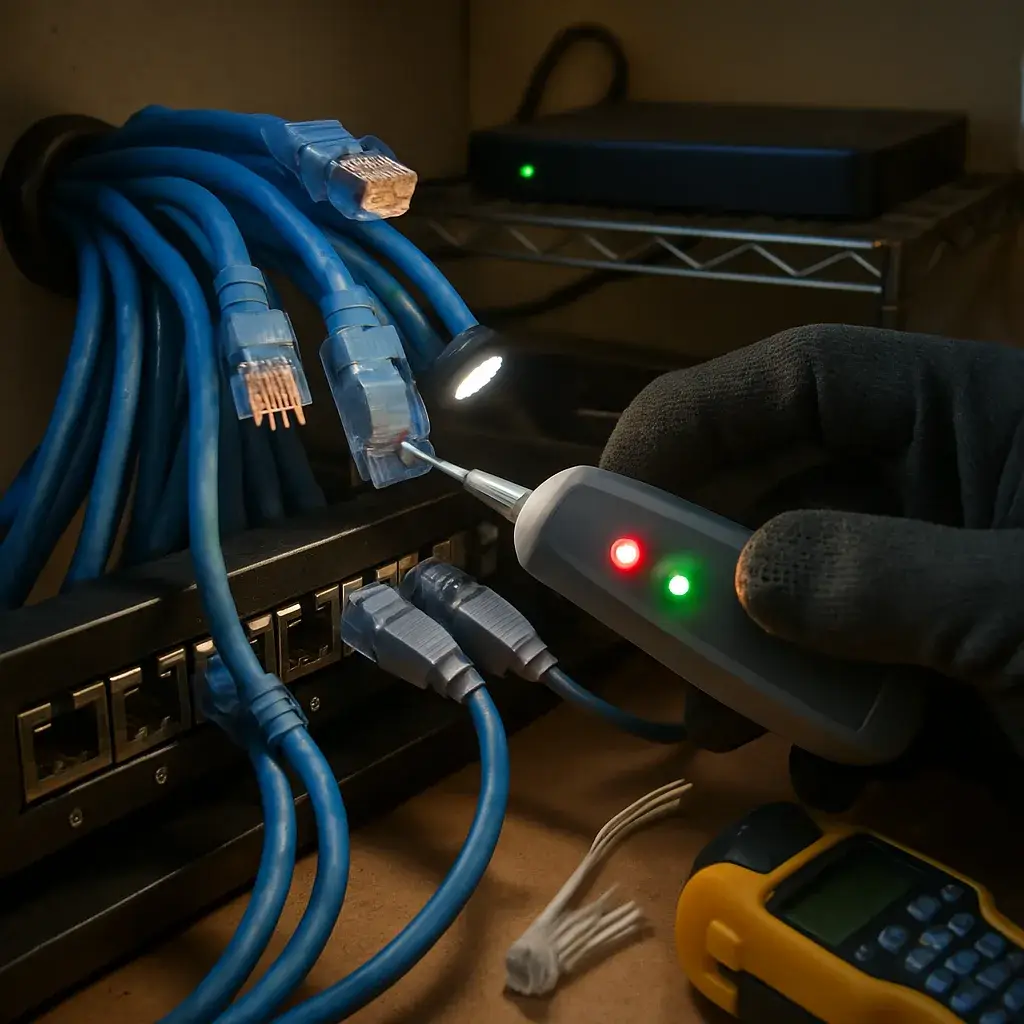
Testing means running a cable tester through the line to check continuity, wire mapping, and signal quality. For network drops, that confirms the cable will push data at full speed once your router or switch gets plugged in. For coax, it confirms the signal reaches the jack clean, with no drop-off from a bad crimp or a nick in the shielding.
Skipping this step is how homeowners end up calling back a week later wondering why the office drop works fine but the living room one keeps dropping connection. Usually, it traces back to a termination that never got checked.
So what does this look like on the day of your appointment? Our tech runs the cable, terminates both ends, then tests before packing up tools. You get a quick readout, pass or fail, right there. If something doesn’t test clean, we find out why before we leave your house, not after your smart TV starts buffering every night.
That’s the whole point of testing. It’s not paperwork. It’s the difference between a drop that works today and one that quietly fails once you’re depending on it for work calls or streaming.
Low-voltage work in Sunnyvale fails most often for one reason: it was run alongside line voltage. Data and control cable picks up interference when it shares a stud bay or a conduit with power, and the symptom shows up later as a flaky connection nobody can explain. We keep the separation the standards call for and terminate to spec rather than twisting and taping, which is what keeps a Sunnyvale network run usable ten years after it goes in the wall.
Label everything while the walls are open. A Sunnyvale structured-wiring job that is properly labelled at both ends costs nothing extra on install day and saves hours the first time something needs tracing.
Frequently Asked Questions
Common questions about Data / low-voltage wiring
How fast can you get someone out to fix a dead data jack in Sunnyvale?
We schedule most wiring calls within a few days, sooner if a jack is completely dead and you’re working from home. Sunnyvale has a mix of older homes with remodel-era wiring and newer builds, so we ask a few questions upfront about your setup to bring the right cable and tools. That way the visit covers the fix in one trip instead of a return visit for a part we didn’t know we’d need.
What happens when your technician arrives for a wiring job?
First we test the jack you’re having trouble with, plugging a laptop directly into the wall to confirm it’s a wiring issue and not the router. Then we walk the path the cable will take, through the attic, wall, or crawl space, and check access before opening anything up. Once we know the route, we run the new cable, terminate both ends properly, and test the drop for continuity before we call it finished.
Why does one room in my Sunnyvale home always lose connection while the rest of the house stays fine?
That pattern almost always points to a wiring problem, not your router or internet plan. A router issue usually slows down or drops the whole house evenly. If just one office or bedroom keeps dropping, it’s often an old cable run from a remodel a decade back, or a run that’s too long or damaged behind the drywall. We see this weekly in older Sunnyvale homes where the original low-voltage wiring predates current internet speeds.
Do I need Cat6, coax, or fiber for a new data drop?
It depends on what’s plugging in at the other end. Cat6 is the right pick for a router, smart home device, or security camera, and it handles gigabit speeds easily. Coax still makes sense for a TV or satellite box. Fiber becomes worth it for long runs, like from a Sunnyvale home’s attic out to a detached garage or workshop, since copper loses signal over that kind of distance.
Why do you test every cable drop before finishing the job?
Because a cable can look perfect and still not work. The jacket can be intact and the connector crimped on tight, but if a wire pair got crossed during termination, the drop won’t carry a signal at all. We run a cable tester on every single drop to check continuity, wire mapping, and signal quality before we pack up. That way you know the connection works, not just that it looks finished.
Can I just try fixing a slow connection myself before calling for wiring help?
Yes, and we’d rather you save the money if a simple fix works. Unplug your router and modem for thirty seconds, check that cables are seated tight at the wall jack and device, and swap in a known-good patch cable to rule it out. If one jack stays slow while others test fine on the same steps, that’s a real sign of a wiring problem worth booking. If every jack acts the same way, it’s likely your router or plan instead.
Ready to Get Started?
Call 972-288-2263 Today, Get Service Today.